Transforming Operational Complexity into Scalable Workflows
Redesigning a fragmented enterprise platform used for high-stakes fleet intelligence and operational decision-making across global logistics workflows.
My Role
Lead UI/UX Designer (Strategy, Research Setup, Design System, Execution)

Efficiency Improved by
38%
Rollout Strategy
Phased Transformation
Platform Age
10+ Years
Scope
Global Enterprise
Operational Reality

Fleet Operators
Monitor Fleet Activity and Tracks fleet performance.

Drivers
Operate Vehicles, Ensures safe driving practices.
Service Team
Handles servicing, repairs, and take preventive actions.

Finance Team
Overall fleet budgeting like expenses, payments.

Compliance Team
Manages documents, permits, and compliance.
The platform was deeply embedded into daily operational workflows and used for mission-critical decision-making.

Monitor fleet activity
Investigate anomalies
Manage large-scale logistics workflows
Analyze operational patterns
UX Audit
Using Jakob Nielsen’s usability heuristics to identify systemic usability failures.

01.
Visibility of System Status
Page lacks current status. Leads to confusion that is it outdated or Live?
02.
Match Between System and Real World
Top Navigation sequence is random, Instead they can group based on real workflows.
03.
User Control and Freedom
User can't tag vehicles based on their real life status. Neither an option to pin vehicles they are interested in.
04.
Consistency and Standards
UI was designed in pieces leading to Inconsistency in icons, Text, Colours, Spacing and Grid resulting into poor UX.
05.
Error Prevention
Touch targets were not followed resulting in to a high chance of clicking wrong vehicle. Neither there were options to undo the user actions.
06.
Recognition Rather Than Recall
As navigation items were spread out resulting in to recall burden and also creating challenge in scaling the product.
07.
Flexibility and Efficiency of Use
This is an Enterprise tool used daily for operational tasks. Introducing keyboard shortcuts, multi-select, bulk actions will improve efficiency
08.
Aesthetic and Minimalist Design
Currently design follows maximalism and had used too many simultaneous and visual elements
09.
Help Users Recognize, Diagnose, Recover from Errors
There are explanations of status but hidden away in the UI making it difficult to find.
10.
Help and Documentation
There are no documentation for the user to refer and no on-boarding tutorial resulting in to user have to figure our by themselves.
Over time, the platform evolved through fragmented feature additions, client-specific customizations, and disconnected workflows. As complexity increased, usability and scalability rapidly deteriorated.
Key Problems
Siloed Modules
Disconnected Workflows
Repetitive Navigation
Fragmented Data Visibility
Accessibility Violations
Inconsistent UX Patterns
Resulting
Repeated Filtering Actions
Broken Investigative Journeys
Disconnected Data Relationships
Excessive Cognitive Switching
Manually Memorize Data
No option to custom data export
No quick views
This Significantly Increased Cognitive Load and Slowed Critical Workflows

Discovery & Organizational Alignment
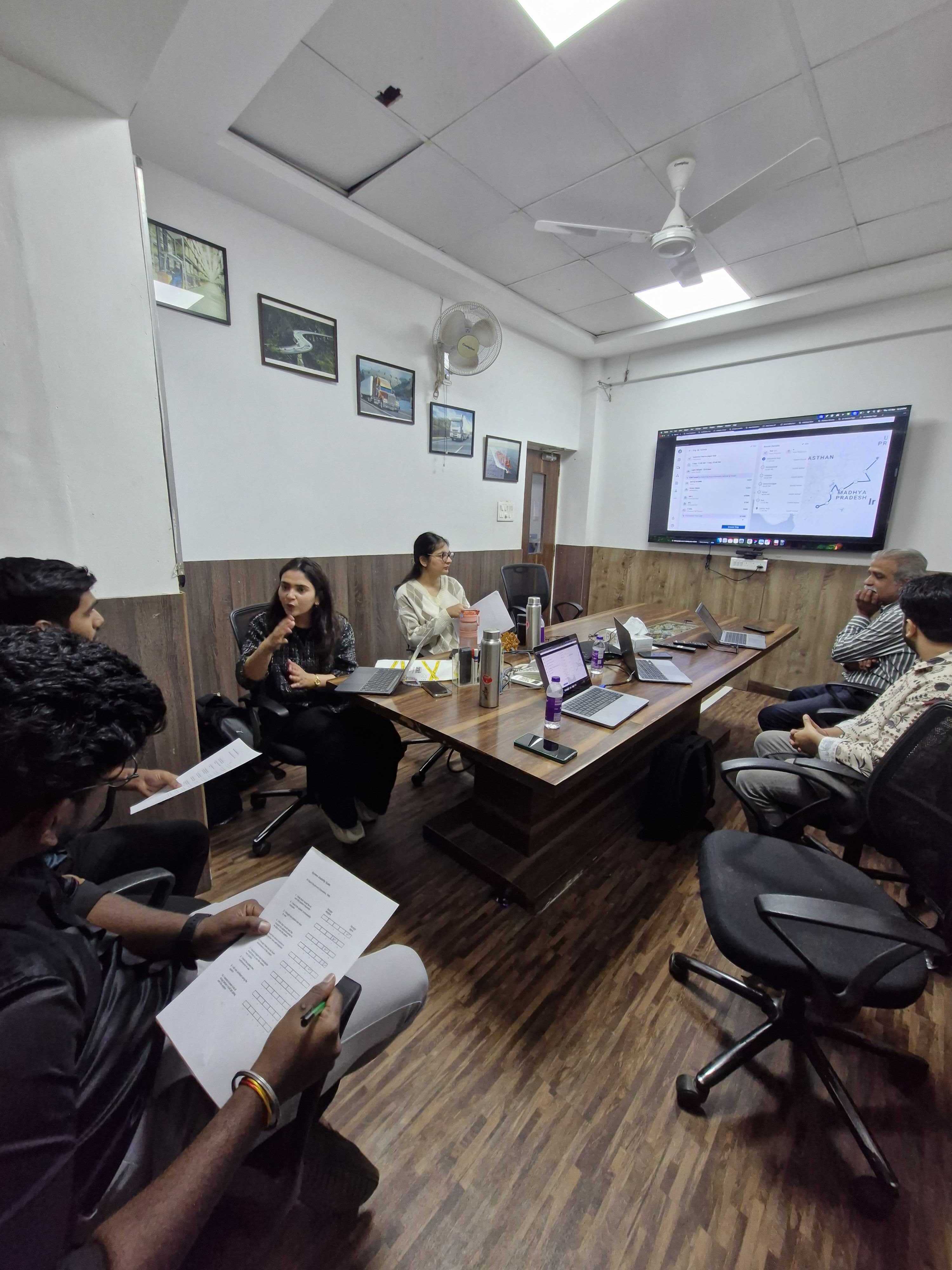
Because the platform was operationally critical, assumptions could not drive redesign decisions. We began by establishing a structured discovery process involving
Workflow Analysis
Applying KLM models to identify operational inefficiencies and repetitive interaction costs.


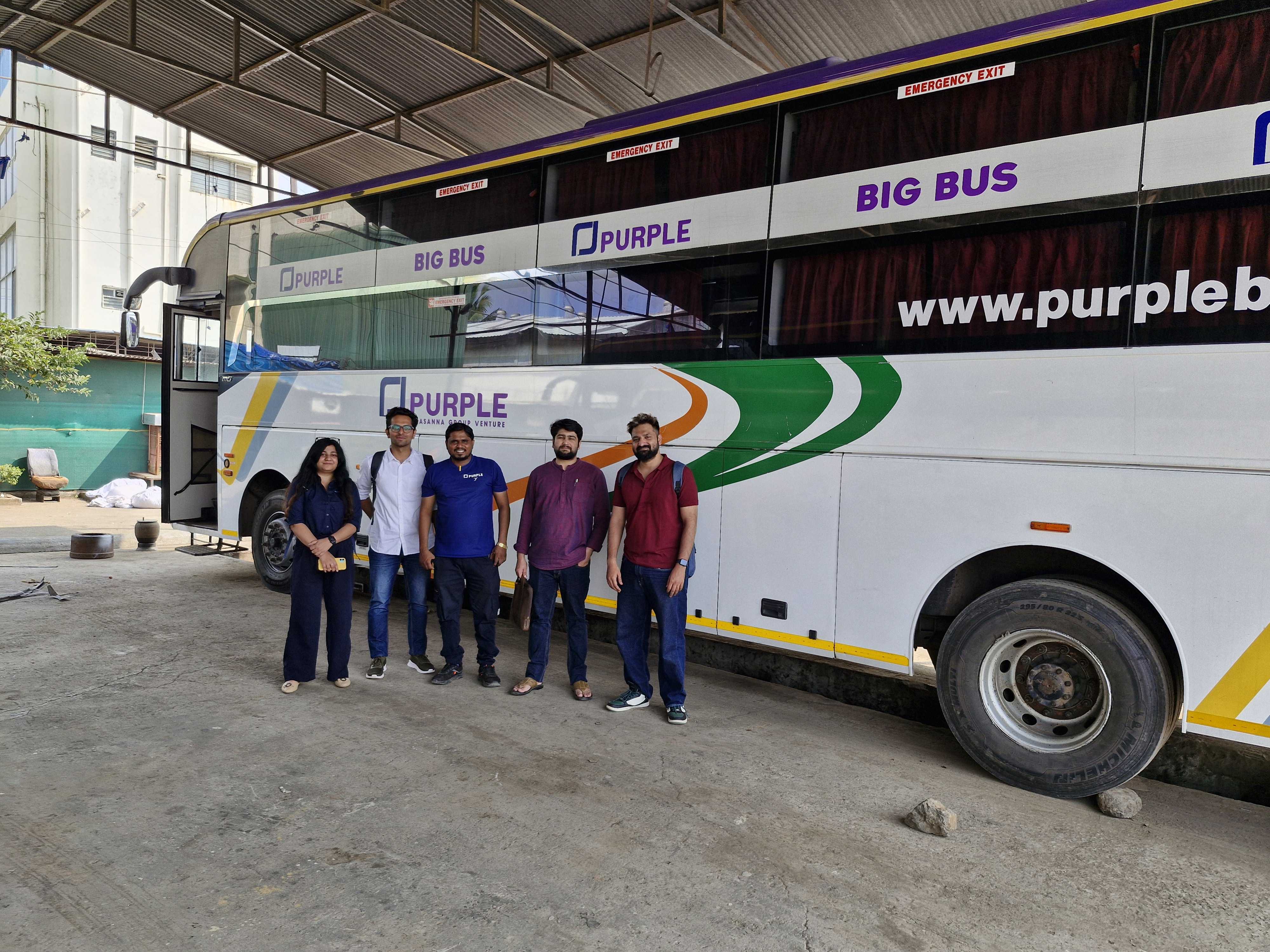
GFL - North America


Purple - India
Customer Feedback Systems
SUS (System Usability Scale) - Measure product’s perceived ease of use.
FMEA and RICE Scoring
We implemented a weighted scoring system to prioritize features and pages, moving away from subjective decisions to a data-backed roadmap.

Internal Operational Mapping
Collaborating across PMs, Developers, Support teams Operational Stakeholders.
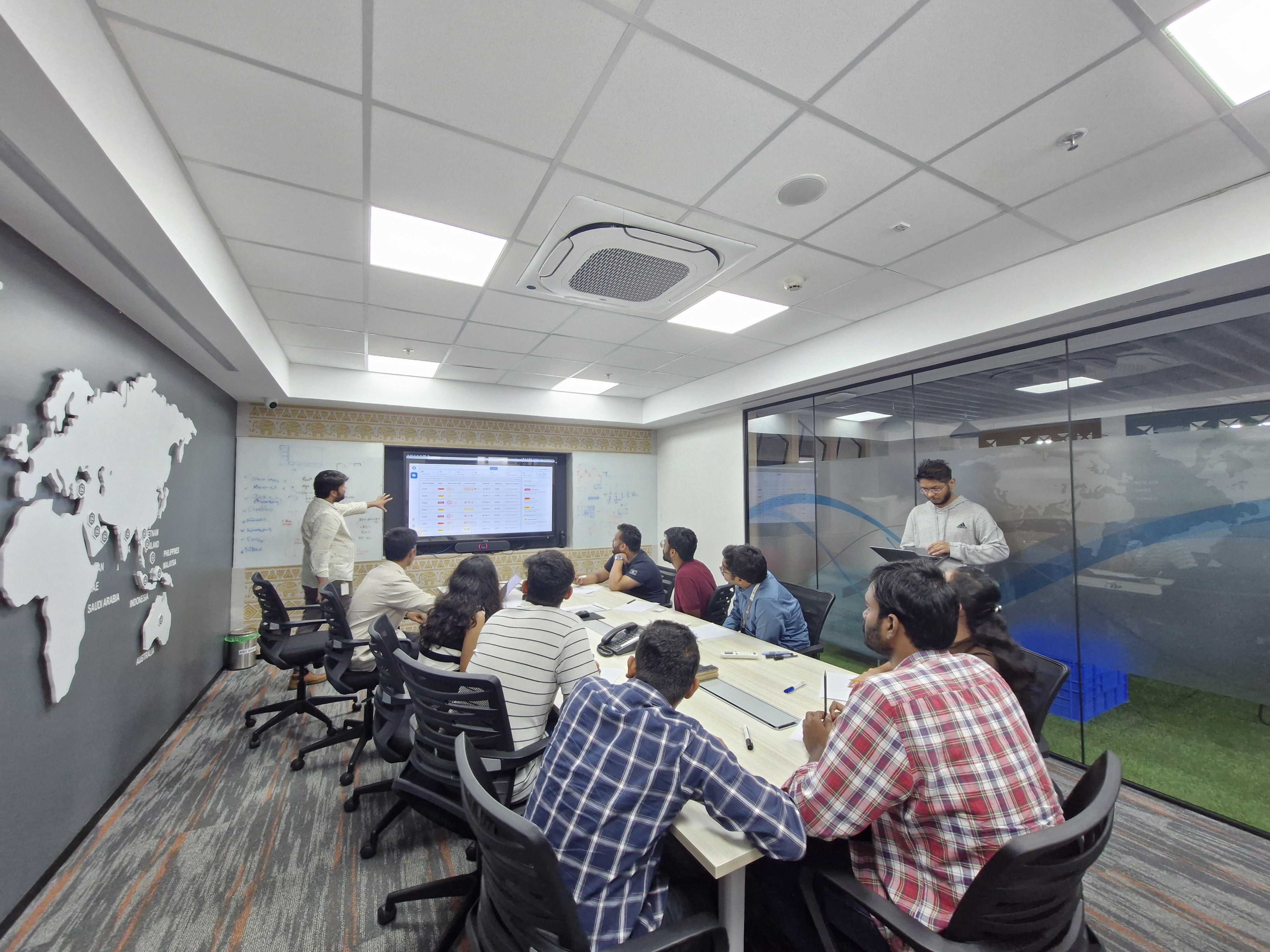
One of the biggest discoveries was that users frequently left the platform to complete operational workflows elsewhere.
Defining The Transformation Strategy
A full “big bang” redesign introduced significant operational risk. Instead, we adopted a phased transformation strategy focused on stabilizing workflows before modernizing the ecosystem.
Phase 01: Stabilize the Experience
Accessibility
Dead-end Removal
Workflow Continuity
High-Friction Flows
Operational Clarity
Goal: Reduce immediate usability pain without disrupting existing workflows.
Design System & Scale
We built a scalable design system that standardized interaction patterns, visual hierarchy, component behaviors, accessibility, localization, and responsive structures across the platform.
The system also introduced improved readability for distant operational monitors and standardized SI units to support global scalability and consistency.
By leveraging variables, versioning, and modular foundations, the system accelerated internal alignment, future feature development, and cross-product consistency across internal enterprise tools.


Phase 02: Re-Architect the Ecosystem
Modern UX Foundations
Scalable Navigation
Connected Workflows
Modular Systems
Platform-wide Consistency



Goal: Transition the product from fragmented modules into a scalable operational ecosystem. Enabling CRUD & User management
Retrospective
Enterprise UX Is Often Constrained by Data Architecture and several usability issues originated from fragmented backend structures rather than interface design alone.
Users valued uninterrupted investigative workflows more than isolated interface optimizations.
Organizational Alignment Must Start Early which would have accelerated discovery, prioritization, and rollout planning.
Scalable Systems Require Product Thinking, Not Just UI Consistency.
Long-term scalability depended on operational architecture, modular foundations, and ecosystem-level thinking.
Other Projects

Health Monitoring HMI
Designed an in-cabin HMI system that delivers real-time vehicle health insights and actionable maintenance recommendations, helping drivers make informed decisions and reduce unexpected downtime.
Password Protected


Video Telematics System
Designed an intelligent video telematics experience that leverages in-cabin and on-road smart dashcams to identify unsafe driving events, deliver timely interventions, and help fleets build safer driving habits.
Password Protected
The life of a designer is a life of fight:
fight against the ugliness.
— Massimo Vignelli